Chattanooga's AI implementation agency

AI systems that keep the work moving.

Custom automation, intake, follow-up, reporting, and web-connected workflows for teams that have outgrown manual admin.

More done, same team.

  • Chattanooga built
  • Owner-led implementation
  • Prototype in 5 days

No sales pitch. Just the operating gaps and the path forward.

Built around the work, not the tool.

We map the way work actually moves, then automate the parts that slow your team down.

01

Workflow Automation

Route requests, reminders, and follow-ups without someone manually checking every handoff.

CaptureLead or request
RouteAssigned clearly
Follow UpTasks + reminders
ReportSee delays
  • Intake and lead routing
  • Missed callback follow-up
  • Reminders and recurring admin
  • Approvals and escalations
  • Reporting and KPIs
Explore workflow solutions
02

AI-Ready Web Systems

Connect the website, forms, CRM, and follow-up so inquiries do not stall after the first click.

Intake portal preview

Name Email Service needed
  • Conversion-focused service pages
  • Forms and intake systems
  • Guided chat or assistants
  • CRM and tool integrations
  • Client portals or dashboards
  • Analytics and tracking
See web system examples
03

Advanced deployment lane

Enterprise Operations

Enterprise Operations is the advanced deployment lane for organizations where AI needs workflow fit, governance, adoption, and oversight before scale.

Governance
Process Fit
AI Automation
Monitor & Improve
  • Process orchestration
  • Governance and controls
  • Cross-team handoffs
  • Dashboards and KPIs
  • Change and adoption
  • Oversight and review
Explore enterprise operations

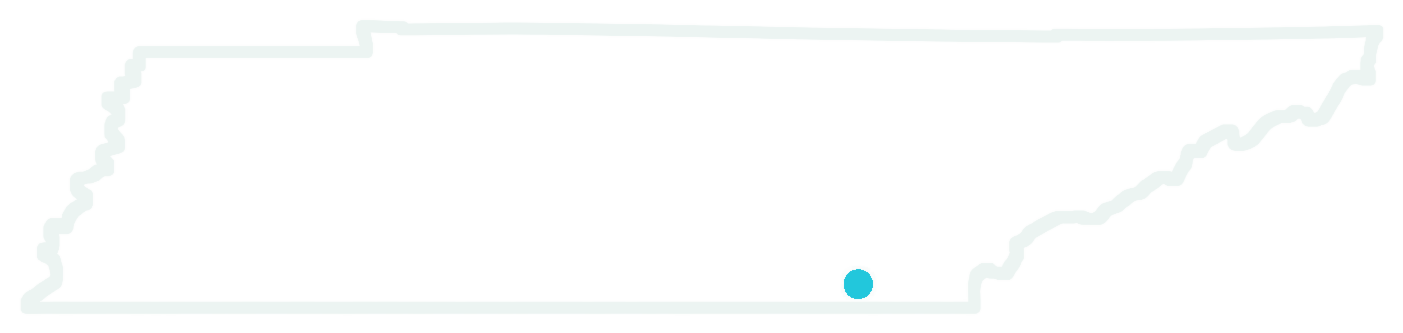
Tennessee outline with Chattanooga marked Built in Chattanooga for businesses that need the work to actually move.

  • Local team
  • Real support
  • On-site available
  • Remote anywhere

What we actually deliver

The work is not to force automation onto a messy process. We find the operating gaps, build the first useful system, and improve it with your team once real leads, clients, and reports are running through it.

Common first systems

  • Quote request triage
  • Missed callback recovery
  • Lead routing
  • Intake summaries
  • Weekly owner reports
  • Appointment and follow-up reminders
  1. 01

    Find the operating gaps

    Audit the handoffs, delays, tool friction, and judgment points slowing the work down.

  2. 02

    Map the workflow

    Turn the current process into a practical operating map your team can recognize.

  3. 03

    Build the first working prototype

    Build a usable first version quickly, then test it against real scenarios.

  4. 04

    Add approval gates

    Keep people in control where judgment, exceptions, or high-value leads require review.

  5. 05

    Connect tools and reporting

    Connect the workflow to forms, CRM, messages, and weekly owner reports.

  6. 06

    Train the team and improve

    Make the system usable in the real business, then refine the edge cases over time.

Where work usually gets stuck.

Most first builds start with one repeated handoff, one slow response loop, or one report your team keeps rebuilding by hand.

01

Intake backlog

Website forms, calls, FAQs, and paperwork pile up before the right person sees the request.

02

Slow first response

Quote requests, missed callbacks, website leads, and after-hours inquiries wait longer than they should.

03

Follow-up drift

Reminders, review requests, re-engagement, and status updates depend on memory instead of a repeatable path.

04

Approval-heavy work

Legal, healthcare, insurance, and service workflows where summaries, documents, and exceptions need human review.

05

Field handoffs

Dispatch notes, customer updates, recurring admin, and job status sit across texts, inboxes, and spreadsheets.

06

Owner visibility

Weekly reports, aging follow-ups, open requests, and lead status need to be pulled into one clear view.

See how the system behaves when the work starts moving.

Concept demos built with fictional businesses and simulated data to show the kinds of workflows Gig City AI designs, connects, and improves.

Legal intake

Harmon Legal Group

After-hours inquiry, AI follow-up, intake summary, and attorney routing before the lead goes cold.

  • Inquiry captured
  • Case details collected
  • Attorney review queued
View legal intake demo

Practice operations

Ridgeline Family Medicine

Appointment reminders, FAQ coverage, intake follow-up, and front-desk work pulled into one operating view.

  • Reminders sent
  • FAQ queue covered
  • Intake follow-up tracked
View practice workflow demo

Dispatch visibility

Ridgeline Logistics

Shipment updates, delay alerts, delivery confirmations, and customer status requests handled without another dispatch call.

  • Status updates sent
  • Delay alerts routed
  • Customer visibility improved
View dispatch demo

Service desk

Keystone Insurance

Renewal reminders, policy Q&A, claims follow-up, and producer time protected from routine service work.

  • Renewals monitored
  • Claims follow-up sent
  • Producer capacity protected
View insurance demo

Real estate response

Lookout City Realty

After-hours lead response, buyer qualification, showing coordination, and pipeline updates before the lead goes cold.

  • Lead answered
  • Buyer qualified
  • Showing queued
View real estate demo

Hospitality communication

Lookout House Hotel

Guest questions, review follow-up, stay details, and rebooking prompts handled while staff stay focused on the property.

  • Guest questions answered
  • Review follow-up sent
  • Rebooking prompts queued
View hospitality demo

These examples are demonstrations, not client case studies. Business names, outcomes, data, and activity are simulated to show possible workflow patterns.

Straightforward ways to start.

Pricing stays tied to scope. The audit helps sort out whether the next best move is one focused fix, a connected build, or ongoing improvement.

Focused start

Quick Win

$1,500 - $3,500

Best when one workflow or handoff is clearly slowing the team down.

  • One workflow or handoff cleaned up
  • Working prototype, then a usable launch version
  • Integration with existing tools
  • 30-day post-launch support

Ongoing

Retainer

$750 - $1,500/mo

Best when the system is live and needs a steady hand as the work changes.

  • Ongoing monitoring and updates
  • Monthly strategy session
  • Routing, follow-up, and reporting improvements
  • Quarterly performance review

Find the operating gaps before the build.

Tell us where the work is slowing down: intake, follow-up, approvals, reporting, or tool handoffs. We will respond with a practical read on what should move first, what should stay human, and what a useful first system would take.

Audit request

No-pressure review

Response within 24 hours.